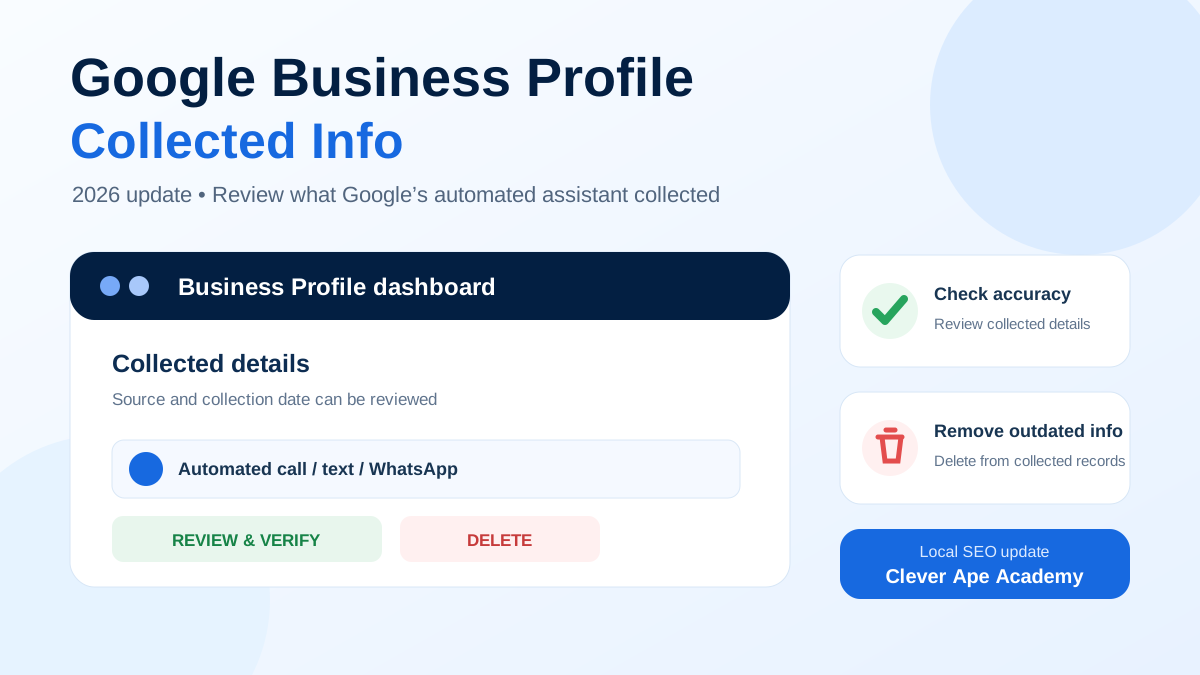
Google Business Profile has started rolling out a feature called Collected info. It gives eligible business owners a clearer view of certain details Google gathered after automated interactions with the business, and it provides a way to remove information that is outdated or incorrect.
For local businesses, this matters because inaccurate profile details can create a poor customer experience. The new control gives owners another place to audit what Google knows about the business instead of discovering a problem only after customers see it.
What is Google Business Profile “Collected info”?
Google says it may occasionally contact the verified phone number on a Business Profile using automated messages through calls, texts or WhatsApp. Information a business provides in response can be used to help keep the profile current and make it easier for relevant customers to discover the business.
The Collected info section lets an eligible profile owner review that gathered information. Google also shows the source and the date the information was collected, and the information appears in the language in which it was originally provided.
Where can you find Collected info?
- Open the Google Business Profile that you manage.
- Select Edit profile.
- Open Collected info.
- Review each available detail, including its source and collection date.
- If a collected detail is outdated or incorrect, select Delete and confirm the deletion.
Google notes that deleting a collected item removes it from Google's collected records, but it does not automatically change other information already displayed elsewhere on the Business Profile. Businesses should therefore audit the visible profile fields separately as well.
What type of information may Google collect?
Google's Business Profile community examples include everyday operational details such as whether a business offers curbside pickup, has dedicated customer parking or accepts walk-ins. The exact details shown can vary by business and category.
| Area to check | Why it matters | Recommended action |
|---|---|---|
| Services and customer options | Customers may use these details when deciding which business matches their need. | Confirm that each collected detail is still true. |
| Operational information | Outdated details can cause calls, visits or expectations that the business cannot fulfil. | Delete inaccurate collected information and review the live profile. |
| Source and collection date | This helps you understand where the information came from and how current it may be. | Pay closer attention to older entries or details that no longer match operations. |
Why this update matters for local SEO
Google Business Profile is a major local-search touchpoint. While the new Collected info tab is not a shortcut to higher rankings, profile accuracy is important for customers and for maintaining consistent business information across Google Search and Maps.
The practical takeaway is to treat Collected info as another profile-audit checkpoint. When it is available on your account, review it along with your business category, hours, services, address, phone number, photos, reviews and other profile fields.
A simple GBP audit checklist for business owners
- Check whether the Collected info tab is available in your profile.
- Review the source and date of each collected detail.
- Remove information that is no longer correct.
- Separately verify your live business name, address, phone, hours, website and categories.
- Review services, attributes and customer-facing options after operational changes.
- Keep staff aware that automated Google calls or messages may be used to confirm business information.
- Document important GBP changes so your team can spot unexpected edits quickly.
What should Jaipur businesses do now?
If you manage a local business in Jaipur, check your Business Profile dashboard rather than assuming the feature is already available. Because the rollout is limited by region, language and business category, two businesses may see different options at the same time.
When the tab appears, review it as part of your normal local SEO maintenance. For multi-location businesses, repeat the check for every profile because collected information and availability can differ by location.
Final takeaway
The Collected info update gives business owners more visibility into information gathered by Google's automated systems and a direct way to remove collected details that should no longer be retained. It is a useful control, but it should complement—not replace—a full Google Business Profile audit.
If you are learning local SEO, Google Business Profile optimization, Google Ads and practical digital marketing, Clever Ape Academy provides career-focused digital marketing training in Jaipur with hands-on exercises around real business visibility.
Explore SEO Course in Jaipur Explore Complete Digital Marketing Course